
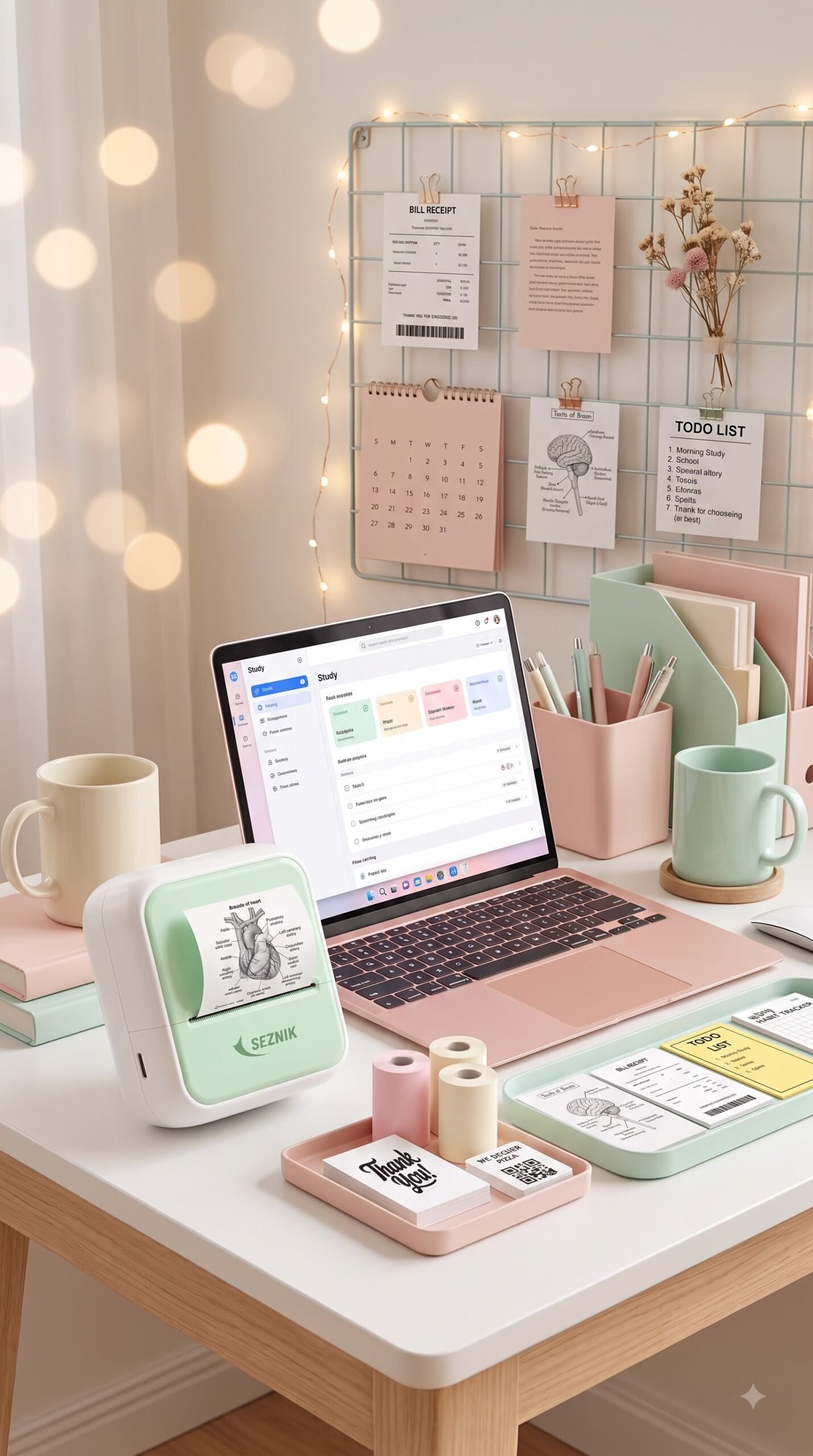
Looking for the best mini Bluetooth pocket printer? Learn how inkless thermal printing works for study notes, journaling, labels, and photos on the go.
In an era where practically everything lives behind digital screens, there is something deeply satisfying about holding physical paper in your hands. Whether it’s sticking a quick habit tracker into your daily planner, capturing study diagrams straight from a PDF, or labeling pantry bins, physical notes still beat fleeting digital reminders.
The problem? Traditional desktop printers are bulky, noisy, and constantly run out of overpriced ink cartridges right when you need them most.
Enter the mini Bluetooth pocket printer. Tiny enough to fit comfortably in your palm or slip into a backpack pocket, this viral gadget has taken journaling communities, students, and small business owners by storm. In this guide, we dive deep into how these ink-free wonders work, why they’ve become an indispensable everyday tool, and how to pick the right one for your needs.
What Is a Mini Bluetooth Pocket Printer and How Does It Work?
A mini Bluetooth pocket printer is a compact, battery-powered portable printer that connects wirelessly to your smartphone or tablet via Bluetooth.
What makes it truly revolutionary is its zero-ink thermal printing technology:
- No Ink, No Toners, No Ribbons: The printer utilizes heat-sensitive thermal paper. A tiny thermal print head activates micro-elements to heat specific dots on the paper coating, turning them crisp black (or monochrome blue/red depending on the paper roll).
- Instant Wireless Pairing: Using dedicated companion apps (available on iOS and Android), you can snap photos, scan textbook diagrams, design QR codes, or import to-do lists and print them in under five seconds.
- Rechargeable Battery Life: Equipped with built-in lithium-ion batteries (typically 1000mAh to 1200mAh) charged via USB Type-C, these printers can print dozens of rolls on a single charge.
6 Practical Reasons Why Pocket Printers Are Trending Everywhere
1. Zero Ongoing Ink Expenses
Anyone who has owned an inkjet printer knows the frustration of replacing cartridges that cost more than the printer itself. With thermal pocket printers, you never buy ink again. Your only ongoing cost is thermal paper rolls, which cost mere pennies per roll.
2. A Lifesaver for Students and Note-Takers
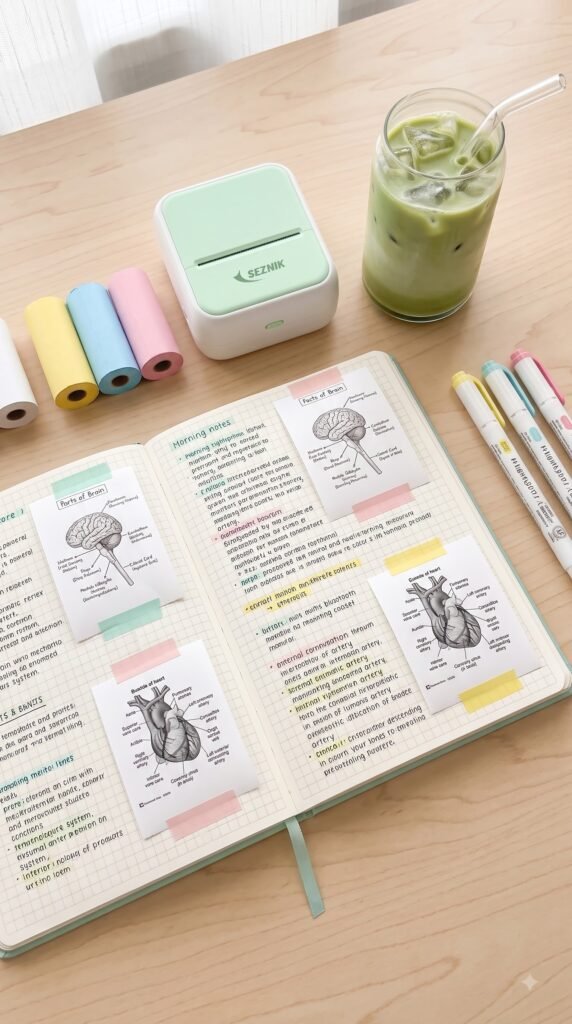
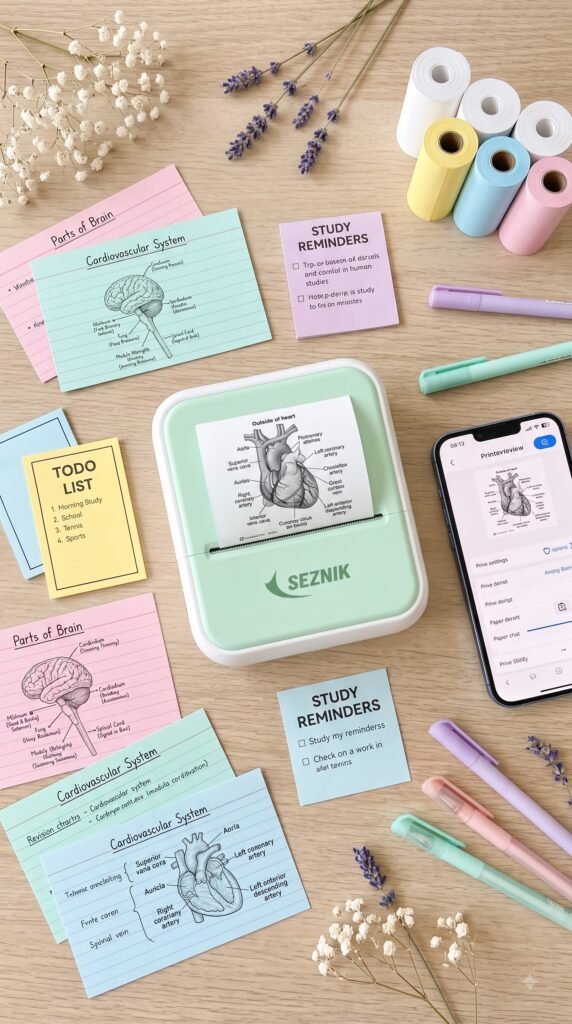
Studying complex subjects like anatomy, organic chemistry, or architecture requires detailed visuals. Instead of spending 20 minutes meticulously redrawing a biological diagram or a complex chart, you simply snap a photo from your textbook or screen, print it in seconds, and stick it right into your lecture notebook.
3. Aesthetic Journaling and Scrapbooking
Bullet journaling, memory keeping, and scrapbooking have seen a massive renaissance. Pocket printers let you turn spontaneous phone camera snapshots into retro, black-and-white polaroid-style photos. Many paper refills come with adhesive sticker backing, making page decorating effortless.
4. Organization, Labeling, and Daily Planning
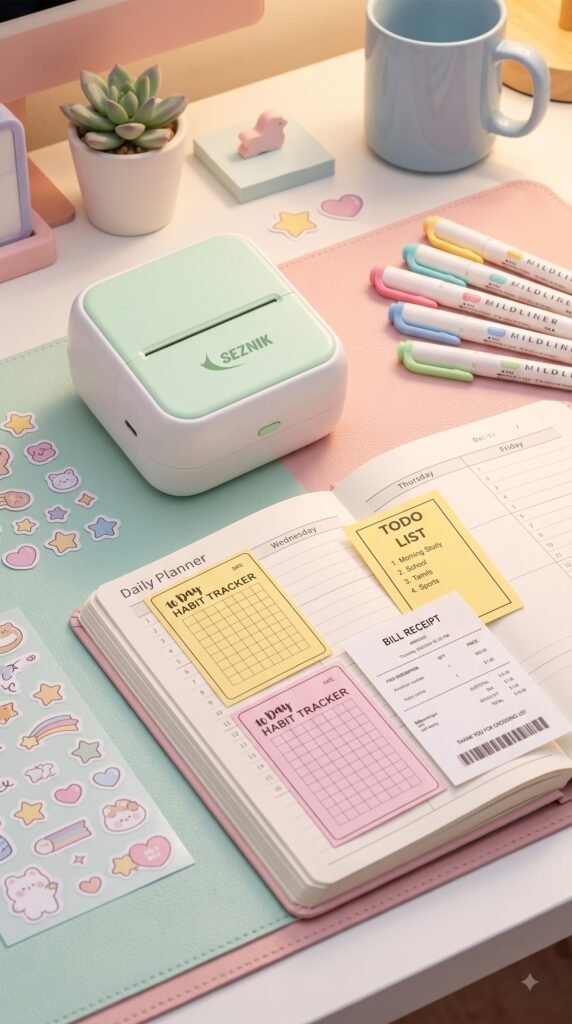
From pantry jars and cable management to shipping labels and to-do lists, these devices excel at quick organizational tasks. Companion apps include hundreds of pre-made templates:
- 10-day habit trackers
- Daily schedules and priority checklists
- Expiration date tags
- Custom barcodes and scannable QR codes
5. Instant Receipts & Invoices for Small Businesses
If you sell at craft fairs, pop-up markets, or farmer’s markets, a mini Bluetooth printer functions as a reliable mobile receipt and price tag generator without the need for cumbersome POS hardware.
6. True Pocket Portability
Weighing less than 200 grams (about the same as a smartphone), it fits comfortably in a jacket pocket, handbag, or laptop sleeve. You can take it to coffee shops, study groups, or on long travels without feeling weighed down.
Where to Buy the Best Mini Bluetooth Pocket Printer
Ready to upgrade your stationery setup or simplify study sessions? Make sure to choose models with certified battery safety, clean high-resolution thermal heads (200+ DPI), and reliable app connectivity:
- For International Shoppers (US / Global):
Browse top-rated models, multi-color paper bundle packs, and worldwide shipping on Amazon:
👉 Shop with Amazon World (Global Link) - For Shoppers in India:
Get fast local delivery, multiple roll starter kits, and prime deals on Amazon:
👉 Shop with Amazon India (Direct Link)
(Pro Tip: Opt for bundles that include both standard white thermal paper and self-adhesive sticker rolls to unlock all creative options right out of the box.)
Key Features to Compare Before Buying
Before clicking “Add to Cart,” examine these essential specifications to make sure you get the best value:
| Feature | Recommended Standard | Why It Matters |
| Print Resolution (DPI) | 200 DPI to 300 DPI | 200 DPI is ideal for bold text, diagrams, and line art; 300 DPI delivers sharper greyscale gradients for photos. |
| Paper Compatibility | Standard 57mm x 30mm rolls | 57mm is the universal size; ensuring standard sizing makes third-party paper refills cheap and easy to source. |
| App Usability & Features | iOS & Android compatible with OCR | A great app offers text recognition (OCR), rich font libraries, custom graphics, and free templates. |
| Paper Types Supported | Plain paper, adhesive sticker, translucent, and colored paper | Sticker paper lets you paste notes instantly without glue or tape. |
| Charging Interface | USB Type-C | Modern, fast charging using the same cable as your phone or laptop. |
Creative Ways to Use Your Pocket Printer Every Day
- Receipts & Expense Tracking: Print quick screenshots of online transactions or utility payment confirmations to staple into your monthly budget ledger.
- Flashcards for Language Learning: Print vocabulary words, kanji/characters, and pronunciation mnemonics on adhesive paper and stick them onto flashcards.
- Pantry and Spice Organization: Print clean, minimalist labels for mason jars, spice containers, and storage boxes.
- Gift Wrapping & Care Packages: Design personalized “Thank You” stickers, cute doodles, and sweet personal messages to seal envelopes and gift wraps.
- Bookmark Quotes: Capture inspiring passages from eBooks or articles and turn them into physical bookmarks.
Helpful Tips for Getting the Best Print Quality
Thermal printing behaves differently from traditional printing. Keep these quick tips in mind:
- Adjust Contrast in the App: Before printing a photo, boost the contrast and brightness slightly within the companion app. Pure black-and-white tones produce significantly clearer thermal results than subtle mid-greys.
- Store Rolls Away from Direct Heat: Because the paper reacts to temperature, store unused rolls and printed notes away from hot car dashboards or direct sunlight to keep prints sharp and prevent premature fading.
- Keep the Thermal Line Clean: If faint white streaks ever appear down your prints, gently wipe the printer’s thermal ceramic bar with a dry cotton swab or a drop of isopropyl alcohol to remove paper dust.
Frequently Asked Questions (FAQs)
Do mini pocket printers really not require any ink?
Yes, absolutely! They use direct thermal printing technology. The heat generated by the print head chemically reacts with the special coating on thermal paper to produce the image, eliminating the need for ink, toners, or ribbons permanently.
How long do thermal prints last before fading?
Standard thermal paper prints typically last between 1 to 3 years under normal indoor conditions. For long-term archiving, look for specialized BPA-free thermal rolls rated for 5 to 10 years of image retention.
Can mini thermal pocket printers print in full color?
Direct thermal pocket printers print in monochrome (single color—most commonly black, though specialized paper can create blue or pink monochrome tones). If you need full-color photographic prints, you would need a ZINK (Zero Ink) photo printer, which uses a different, more expensive type of paper.
Is thermal paper safe to handle?
Yes, modern baby and eco-conscious thermal paper rolls are widely formulated without BPA or BPS, making them completely safe for children and daily student use.
Final Thoughts: Should You Buy One?
Whether you are a student trying to streamline lecture notes, an avid bullet journalist looking to add physical memories to your spreads, or someone seeking an effortless way to stay organized, a mini Bluetooth pocket printer is one of the most versatile and enjoyable tech accessories you can own. It combines nostalgic charm with modern convenience, all while eliminating messy ink forever.
Ready to bring your ideas and notes to life?
- Check international availability and deals via Amazon World
- Order directly in India via Amazon India